
FILE SHARING · SYMBIAN
Aurora Share
Share a selected Nokia folder with a computer browser over a trusted private Wi-Fi network.
A simple way to share
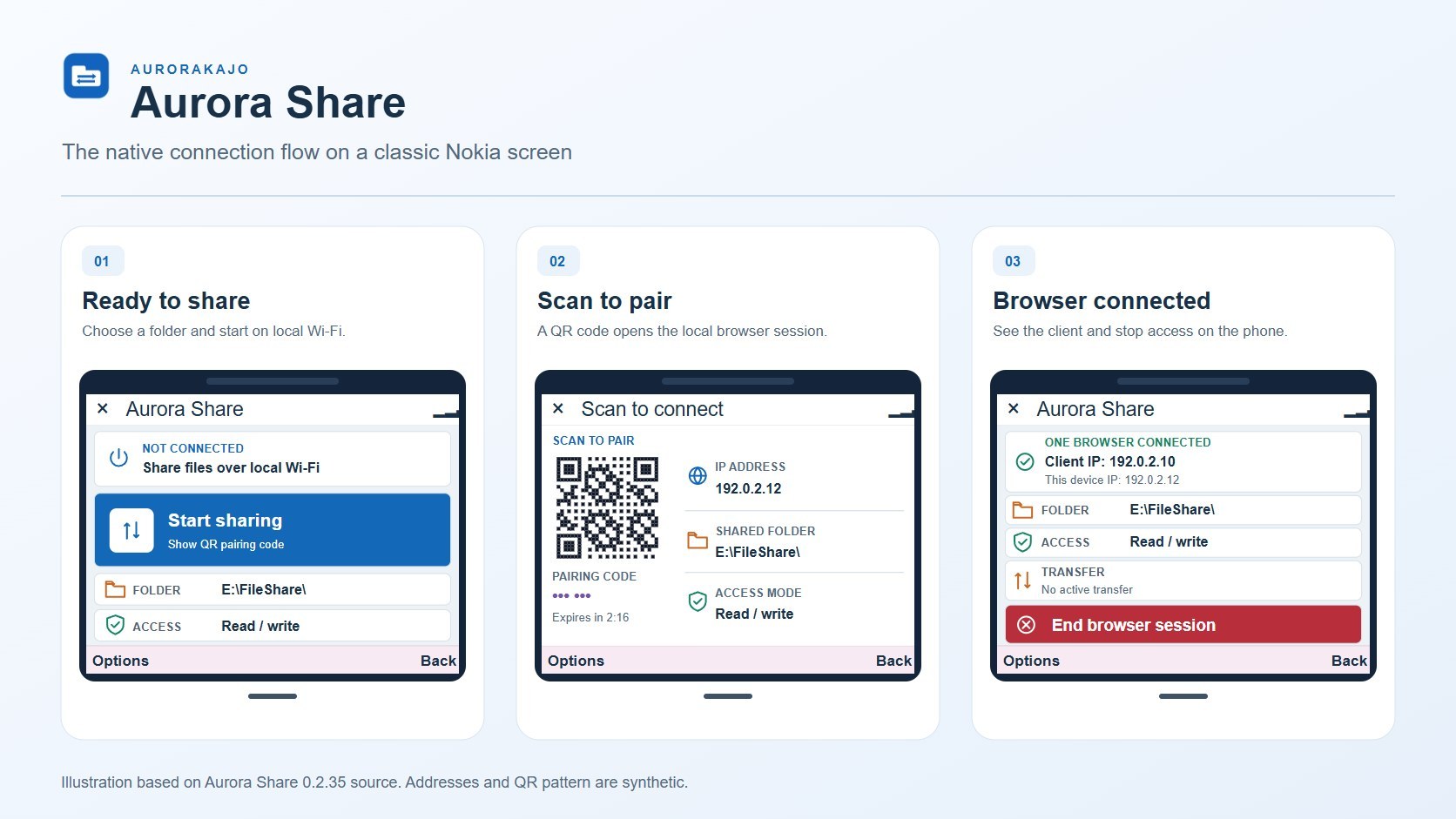
Choose a folder on your phone, start sharing, and open the shown address from a computer on the same private network. Stop sharing when finished.
Choose a folder
Share only the folder you select.
Stay local
Connect through a private Wi-Fi network.
Stop anytime
End sharing from the phone.
Images & screenshots
Select an image to view its original size. Illustrations show the app concept; screenshots show the captured interface.
How it works
- Choose a folder and a Wi-Fi access point on your Nokia.
- Start sharing and open the address shown on the phone from a computer on the same network.
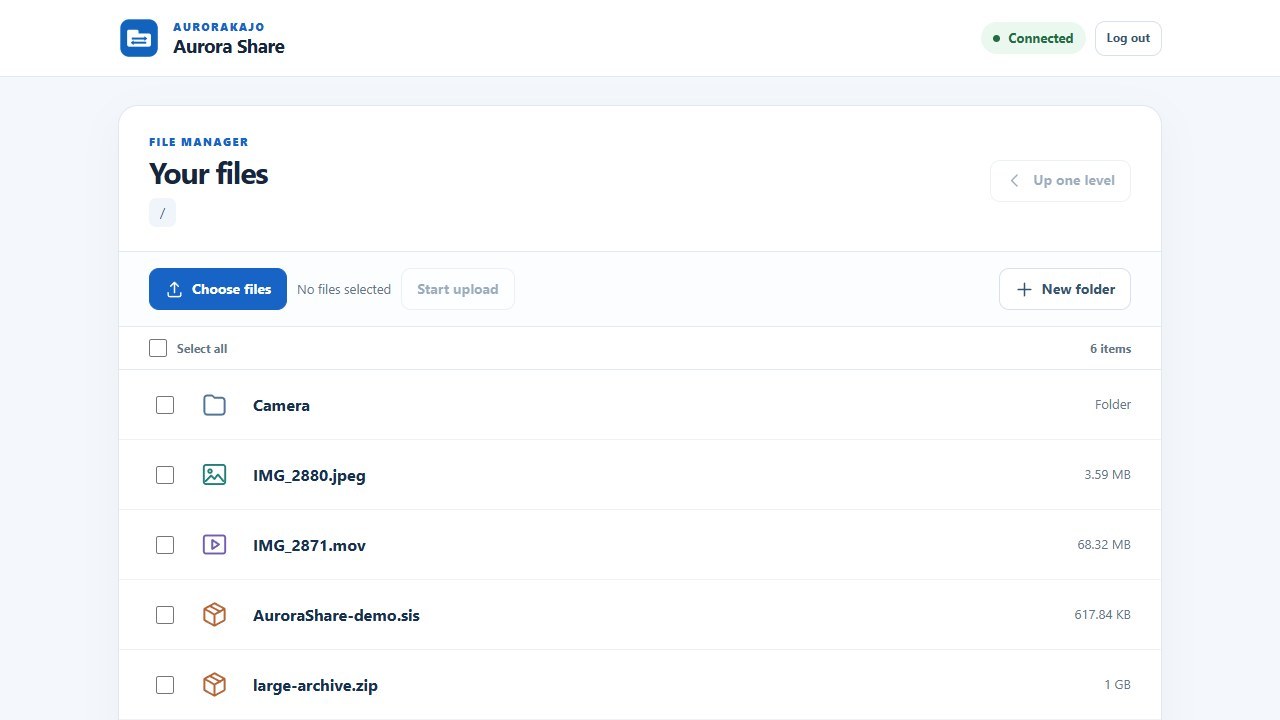
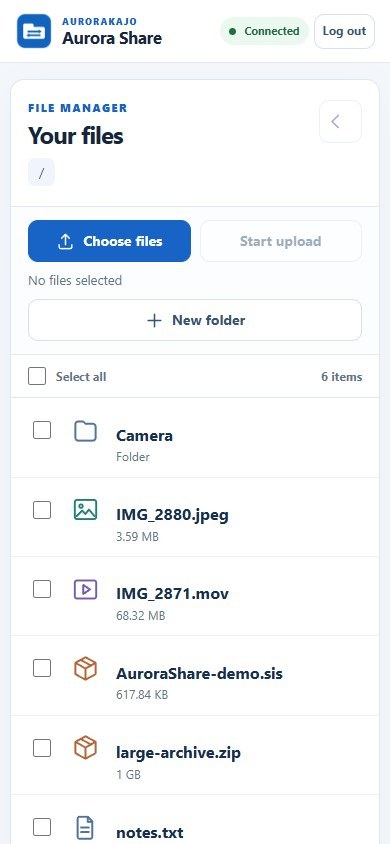
- Enter the pairing code. Browse, download or upload files, then stop sharing on the phone.
Release notes
Reuses the selected Wi-Fi connection across API requests, management screens, stop/start sharing and LAN/Internet changes. Remembers the access point for silent reconnection and offers a replacement selection only after that connection cannot start. Binds relay forwarding to the selected network and fixes cancellation and link-loss cleanup. Retains automatic activity reporting, native UI, portrait support and domain configuration. Complete host tests, 461 network lifecycle checks, GCCE/WINSCW builds, import validation, package inspection and signing passed. Physical E73 acceptance remains pending.
Ratings & reviews
No ratings yet. Be the first when the app is available.
Leave a rating
Sign in to rate this app. Written reviews are moderated before appearing publicly.
Sign in to rate