

VIDEO · SYMBIAN
AuroraTube
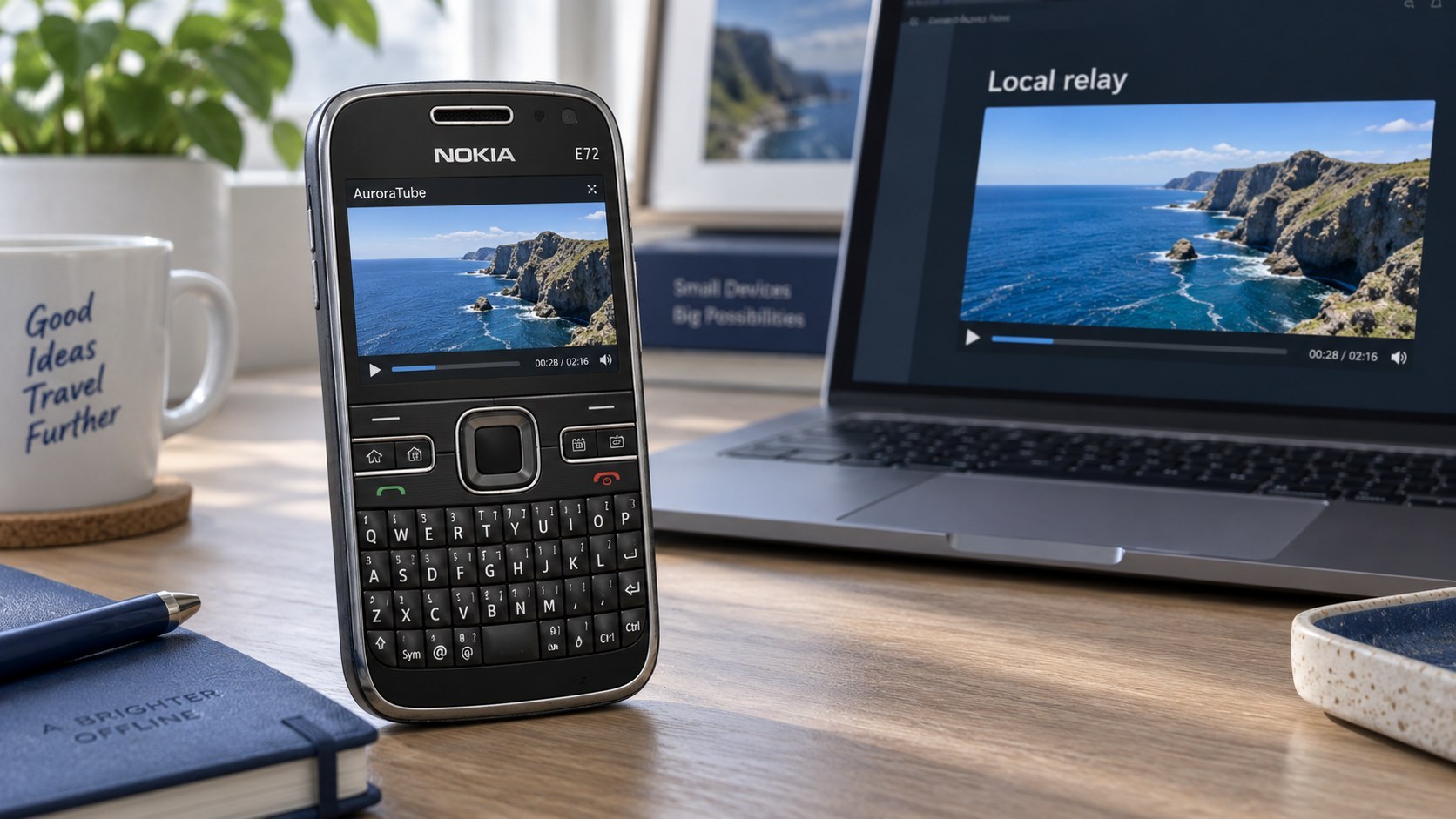
Browse and play supported video through your own Aurora relay on an S60 phone.
Video on your S60 phone
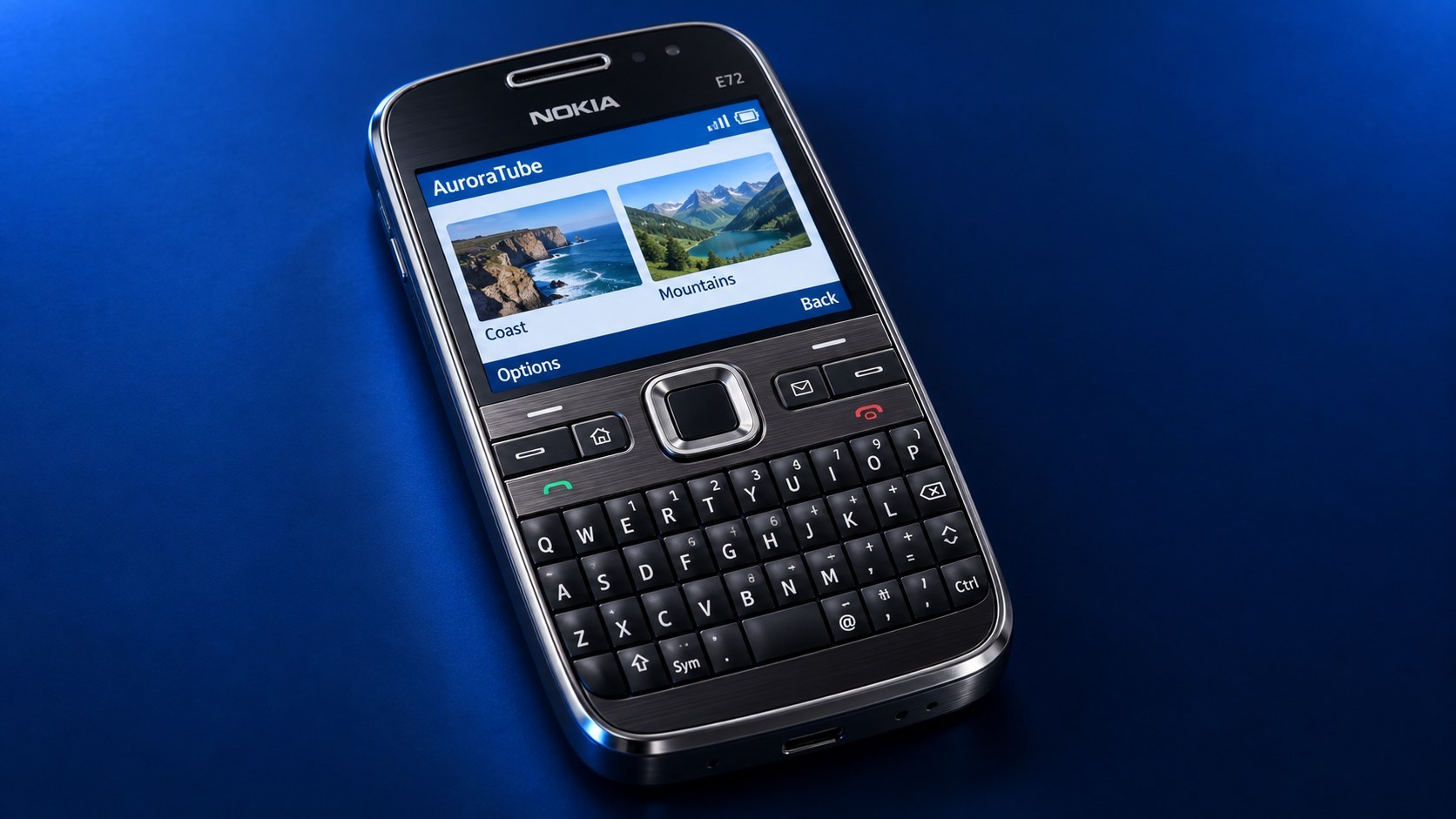
Connect the phone to an Aurora relay, browse its catalog, and play compatible clips. Relay operation and any third-party media rights remain the operator's responsibility.
Play compatible clips
Use media prepared by your relay.
Connect to your relay
Choose the relay address on the phone.
Built for S60
Navigate with the phone keypad.
Images & screenshots
Select an image to view its original size. Illustrations show the app concept; screenshots show the captured interface.
How it works
- Set up an Aurora relay with media you are authorized to use.
- Enter the relay address on the phone.
- Browse the catalog and play a supported clip.
Release notes
Automatic application activity reporting without a Store account or heartbeat pairing code. Uses the shared Aurora device identity and reports activity while running or backgrounded. Attempts a stop report on actual exit and retains bounded network retries. Keeps the existing video relay and HTTP DDNS support. GCCE/WINSCW builds, import checks, signature inspection, exact package payload comparison and Defender scan passed. This exact version has not been runtime-tested on a physical Nokia.
Ratings & reviews
No ratings yet. Be the first when the app is available.
Leave a rating
Sign in to rate this app. Written reviews are moderated before appearing publicly.
Sign in to rate